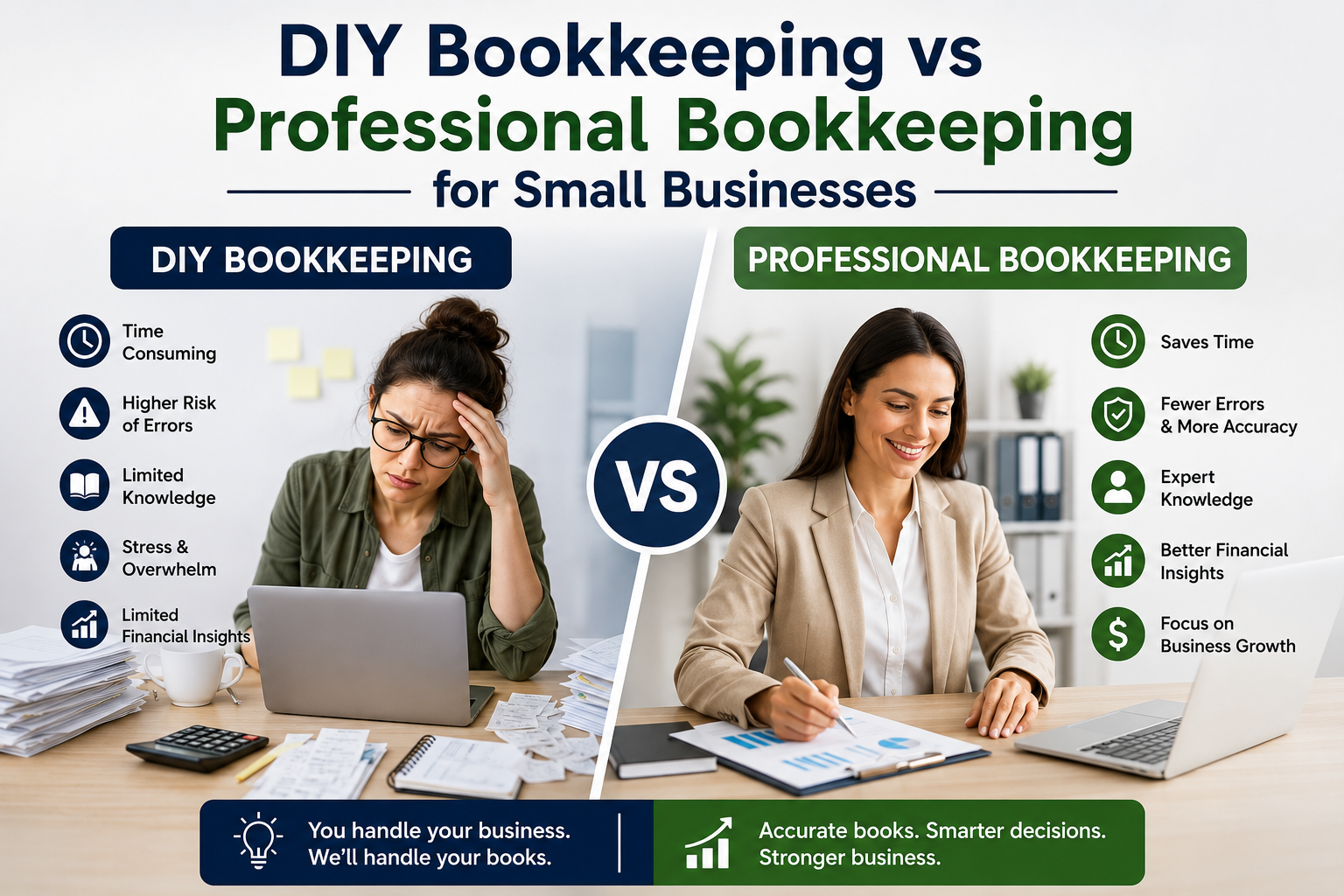


If you’ve opened QuickBooks Online and immediately felt overwhelmed… you’re not alone.
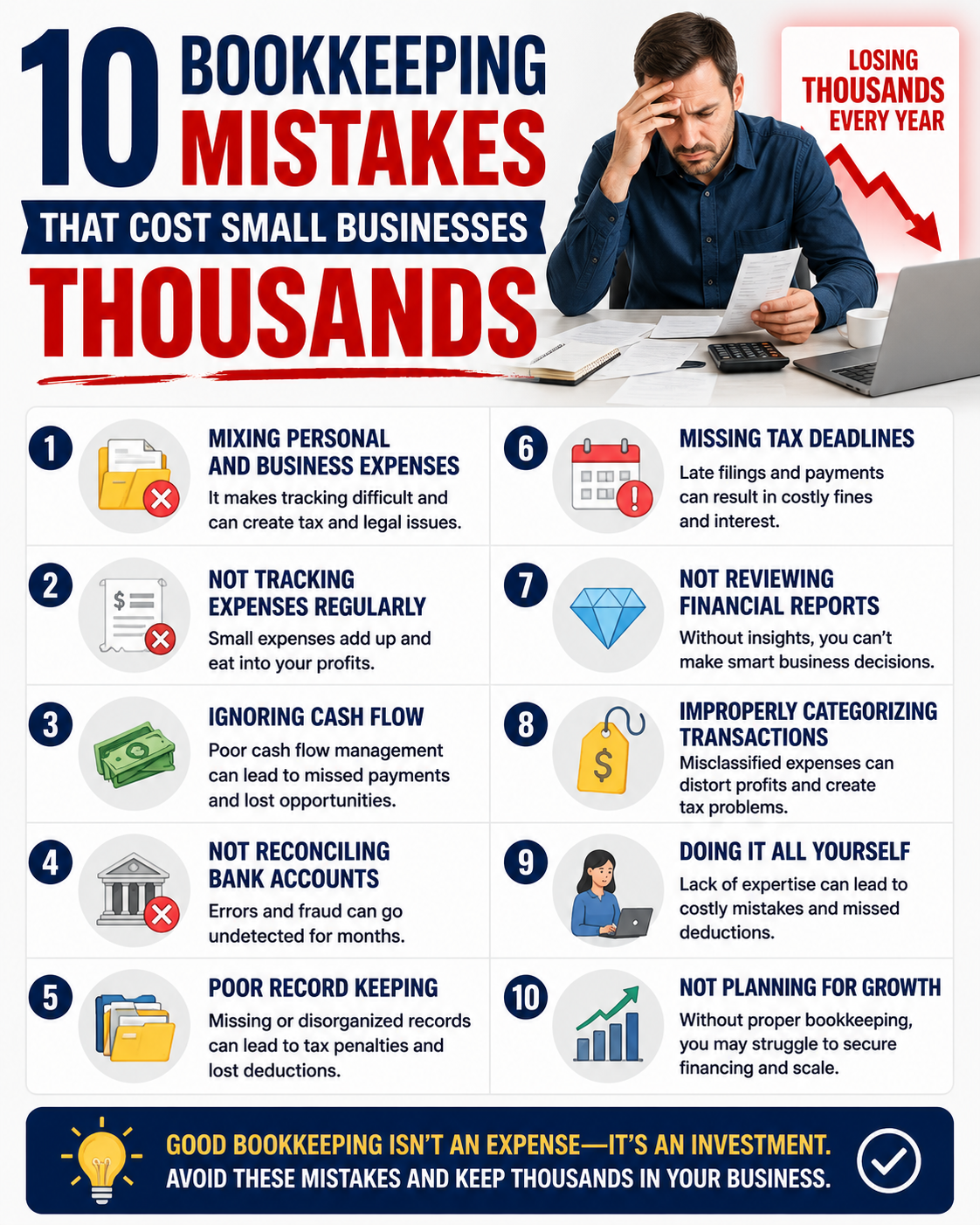
Uncategorized expenses. Duplicate transactions. Negative balances. Reconciliation errors. Messy books don’t just look bad — they create stress, tax problems, and cash flow confusion.
This step-by-step guide will show you how to clean up your books properly — and when it’s time to bring in professional help.
Step 1: Back Up Your Data
Before making major changes:
- Export your Profit & Loss
- Export your Balance Sheet
- Download your General Ledger
This gives you a reference point in case something gets adjusted incorrectly.
Step 2: Separate Personal and Business Expenses
If personal transactions are mixed into your business account, start here.
- Reclassify personal expenses to Owner Draw
- Stop using business accounts for personal purchases
- Open a dedicated business checking account if needed
If you’re unsure how this impacts taxes, read our guide: How to Separate Personal and Business Expenses
Step 3: Review and Fix Uncategorized Transactions
Go to:
Transactions → Bank Transactions
Filter by “Uncategorized.”
- Assign proper expense categories
- Create rules for recurring transactions
- Verify income is mapped correctly
Misclassified expenses distort your Profit & Loss — which means you don’t actually know if you’re profitable.
Step 4: Reconcile Every Bank and Credit Card Account
This is the most important step.
Go to:
Settings → Reconcile
Match your QuickBooks balance to your bank statement balance.
- Investigate discrepancies
- Fix duplicate entries
- Remove transactions entered twice
If reconciliation feels confusing, read our detailed tutorial: How to Reconcile in QuickBooks Online
Step 5: Review Accounts Receivable & Accounts Payable
Run these reports:
- Accounts Receivable Aging Summary
- Accounts Payable Aging Summary
Look for:
- Old unpaid invoices
- Duplicate customer balances
- Vendor bills already paid but still open
Cash flow problems often start here.
Step 6: Clean Up Your Chart of Accounts
Too many categories create confusion.
- Merge duplicate accounts
- Remove unused accounts
- Simplify your expense structure
Clean books = clean decision making.
Step 7: Review Financial Statements for Accuracy
Run:
- Profit & Loss (Year-to-Date)
- Balance Sheet
- Statement of Cash Flows
Ask yourself:
- Does this look realistic?
- Do major expense categories make sense?
- Is sales tax accurate?
If you’re unsure how to interpret these reports, read: How to Read a Profit & Loss Statement as a Small Business Owner
Step 8: Fix Sales Tax Errors (If Applicable)
Improper sales tax tracking can create liabilities you didn’t expect.
- Verify tax rates
- Check sales tax payable balances
- Confirm payments are recorded correctly
Need help? Read: Setting Up Sales Tax in QuickBooks Online
When to Hire a Professional for Cleanup
If any of the following apply, it’s time to outsource:
- You’re behind more than 3 months
- You’re unsure what’s accurate
- You’re preparing for taxes or a loan
- Your Profit & Loss doesn’t match your bank balance
Learn more about our Monthly Bookkeeping Services or schedule a consultation with Thank Heavens Bookkeeping.
Why Clean Books Matter
Messy books create:
- Overpaid taxes
- Cash flow confusion
- Stress during tax season
- Poor business decisions
Clean books create clarity.
Clarity builds confidence.
Confidence builds strong businesses.
Frequently Asked Questions
How long does it take to clean up messy books?
It depends on how far behind you are. One month may take a few hours. A full year may take several weeks.
Can I clean up my own QuickBooks?
Yes — if you understand reconciliations, categorization, and financial reporting. If not, mistakes can compound quickly.
How much does bookkeeping cleanup cost?
Costs vary depending on complexity and months behind. Read our full breakdown here: How Much Does a Bookkeeper Cost?
ARTICLE BY:

Joshua Parsley
Joshua Parsley is the owner of Thank Heavens Bookkeeping and works with service-based business owners who are tired of feeling disconnected from their numbers. After experiencing firsthand how overwhelming finances can feel, Joshua made it his mission to simplify bookkeeping and give business owners clarity, control, and peace of mind. Today, he helps clients understand their numbers in plain language, build profitable systems, and finally feel confident about where their business stands.